Shopify Plus Checkout Customization in 2026: Boost Conversions with Checkout Extensibility
Shopify Plus checkout customization is where the most measurable revenue on your store is won or lost. Most stores still lose nearly 7 in 10 shoppers at checkout, so even small gains move real money. This guide walks through what you can change, what you cannot, what it is worth to your P&L, and when it pays to bring in help, so you can decide what your store needs right now.
Shopify Plus checkout customization means reshaping the final purchase flow using Checkout Extensibility, UI Extensions, Shopify Functions, and the Branding API, control that standard plans do not have. For a $5M store, modest checkout improvements such as trust elements, express payments, and well-placed upsells can add $250K to $750K in annual revenue. The most common mistake is over-customizing checkout and adding friction; the second is missing the 2026 migration deadlines and quietly breaking your tracking and discount logic.
Table of Contents
- What is Shopify Plus checkout customization?
- Why did Shopify change how checkout works?
- Why does checkout customization matter for your bottom line?
- What can you actually customize on a Plus checkout?
- One-page or multi-step checkout: which makes you more money?
- When is it smart NOT to customize your checkout?
- How do you get started?
- Tools used in Shopify Plus checkout customization
- When is it worth bringing in a Shopify Plus partner?
What is Shopify Plus checkout customization?
Shopify Plus checkout customization is deep, supported control over the information, shipping, and payment steps of checkout, available almost exclusively on the Plus plan. Standard, Basic, and Advanced plans can adjust checkout branding such as logo, colors, and fonts, plus a few basic form fields. Deeper changes such as custom fields, content blocks, upsells, and logic require Shopify Plus.
For an owner planning a budget, this is the single most important fact. Your checkout is not a theme file you can hand to any developer. Once a shopper clicks Checkout, Shopify takes over rendering for security and PCI compliance, the same checkout that handles millions of other stores. That control is exactly why checkout customization works differently from the rest of your store, and why the tools to do it are tier-gated.
Why did Shopify change how checkout works?
Shopify retired the old method to make checkout faster, safer, and update-proof. For years, Plus merchants customized checkout by editing a file called checkout.liquid. That system was fully retired in 2026, and custom code, Additional Scripts tracking, and checkout background images that relied on it stopped working. The replacement is Checkout Extensibility, built from UI Extensions, Shopify Functions, and the Branding API.
This matters to the business, not just the developers. If something breaks at checkout, the impact is bigger than a design issue: a missing tracking script distorts your reporting, a broken app interrupts order flow, and a removed customization can quietly change how the business operates before anyone notices. Treat checkout as infrastructure, not a settings page.
If your store edited checkout.liquid in the past, those edits did not survive the migration and have to be rebuilt on the new framework. That rebuild is one of the most common reasons brands bring in a specialist, and it is work our team handles routinely.
Why does checkout customization matter for your bottom line?
Checkout is where conversions are decided, and most of them are lost there. For every 10 shoppers who reach checkout, nearly 7 leave without completing the purchase, and even a 5% improvement in completion can add six or seven figures to annual revenue for high-volume stores.
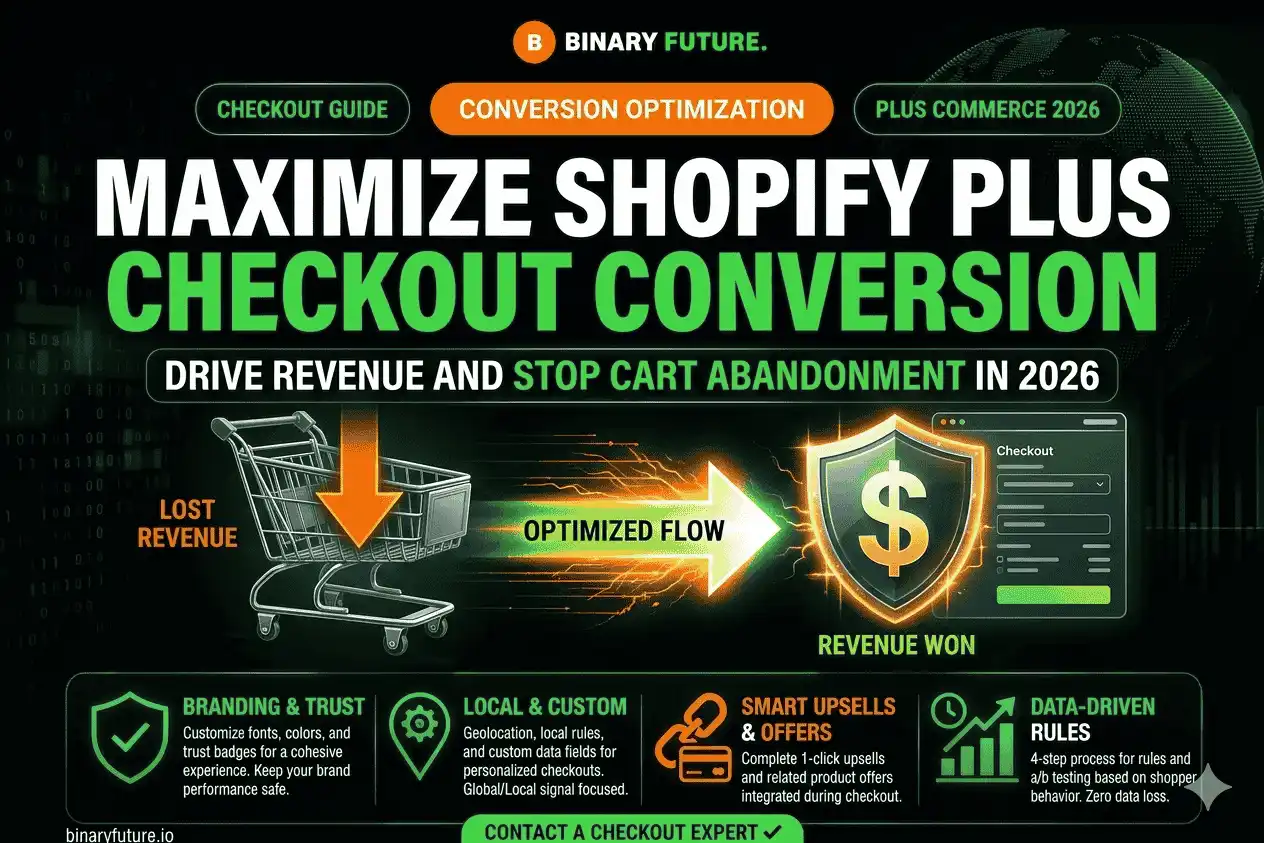
The math works in your favor. Adding trust elements increases completion by 5 to 8%, post-purchase upsells add 3 to 7% to revenue, and custom fields reduce support tickets by 20 to 30%. For a $5M store, modest checkout improvements generate $250K to $750K in additional annual revenue. Few projects on a Shopify store return that much per hour of work.
Faster payment is part of the same story. Shopify’s own data shows accelerated Shop Pay converts 91% higher on mobile than traditional checkout, and up to 50% higher across all devices. Turning on every express option you qualify for is one of the cheapest wins available.
What can you actually customize on a Plus checkout?
Plus unlocks control across the full flow, not just appearance. The practical levers fall into a few groups:
- Branding and trust. Logo, colors, type, and clear security, shipping, and return messaging that reduces hesitation on high-value carts.
- Custom fields and content blocks. Capture delivery preferences, order notes, B2B purchase order numbers, or compliance details. Wired into your CRM, that data fuels segmentation and lifecycle marketing.
- Checkout and post-purchase upsells. They convert lower than pre-checkout offers, around 1 to 3% versus 5 to 10%, but the high-intent moment adds revenue with no extra friction. A strong one can add 10 to 15% to average order value with zero added ad spend.
- Custom logic. Shopify Functions run server-side, modify discounts, payment methods, and delivery rules, run in milliseconds, and survive every platform update.
- B2B and international rules. Enterprise carts often lose buyers to complex pricing, shipping, taxes, or wholesale terms; Plus surfaces fees clearly and tunes payment and shipping by region.
This is also where the four questions every growing brand eventually faces meet: a clean migration onto Plus, scalable B2B checkout flows with ERP and CRM integration, custom Shopify apps where the App Store falls short, and bespoke checkout automation. Checkout is usually where all four come together.
One-page or multi-step checkout: which makes you more money?
One-page checkout is the 2026 default and usually wins on conversion, though the gap depends on your catalog and audience. Research shows one-page checkout converts around 7.5% better than multi-page layouts, with some stores seeing a 7 to 22% lift after switching. Complex carts, heavy B2B requirements, or strict regional compliance sometimes justify a staged flow. The right answer comes from your own data, not a blog post, which is why this belongs inside a structured optimization process rather than a one-off toggle.
When is it smart NOT to customize your checkout?
Over-customizing checkout can cost you sales. Hold off in these situations:
- You are on a Standard plan and the change requires Plus. Upgrade first, or you will pay for work the platform blocks.
- You want to add fields or steps without conversion data to justify them. Every extra field is friction.
- Your tracking pixels are not migrated yet. When pixels cannot attribute conversions, your ad platforms optimize toward the wrong signals.
- You are tempted to add a heavy upsell at the cost of speed. A poorly executed checkout upsell creates friction and kills conversions.
Honest scoping protects revenue. A good partner will tell you when not to touch checkout as readily as when to invest in it.
How do you get started?
Confirm where your checkout stands, then prioritize by revenue impact:
- Confirm your Checkout Extensibility status. Shopify has auto-migrated stores without opt-in since January 2026, so yours may already be on the new system. Verify, do not assume.
- Audit apps and pixels. Confirm every app touching checkout is Extensibility-compatible and that tracking runs through Web Pixels, not the retired Additional Scripts box.
- Turn on express payments. Shop Pay, Apple Pay, and Google Pay capture the fastest wins.
- Add trust and clarity. Security messaging, shipping timelines, and return policy near the payment step.
- Layer logic and upsells. Use Functions and UI Extensions for fields, B2B rules, and post-purchase offers, measuring each change.
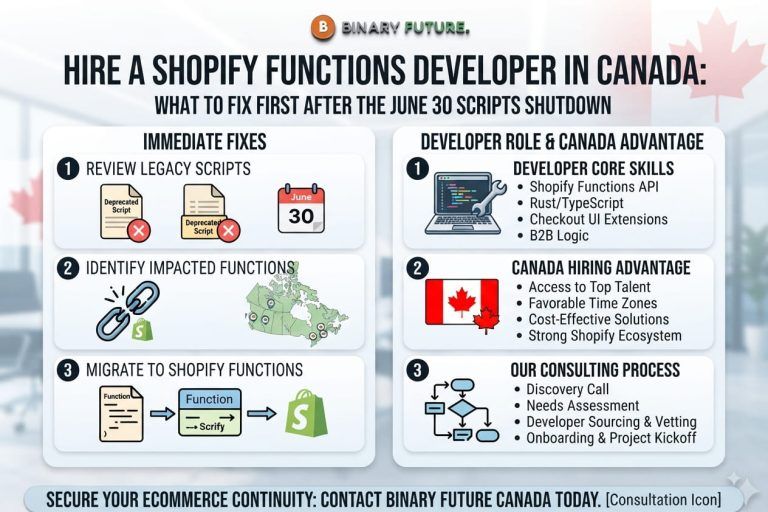
Steps one and two are urgent. Hard deadlines are still in play: Shopify Scripts are discontinued June 30, 2026. If your discount or shipping logic still relies on Scripts, it has to move to Functions before then.
Tools used in Shopify Plus checkout customization
| Tool | Purpose |
| Checkout UI Extensions | Add custom fields, content blocks, and trust elements to checkout |
| Shopify Functions | Server-side logic for discounts, shipping, payment, and delivery rules |
| Branding API | Programmatic control over checkout colors, type, and layout |
| Web Pixels | Replacement for Additional Scripts; powers tracking and attribution |
| Shopify Plus plan | Unlocks the full Checkout Extensibility framework |
When is it worth bringing in a Shopify Plus partner?
Bring in a specialist when checkout connects to systems beyond Shopify, or when a deadline puts revenue at risk. If your store depends on custom checkout logic, B2B workflows, third-party integrations, or complex payment and shipping rules, Checkout Extensibility should be reviewed as part of a broader Shopify Plus development process, not handled as a quick settings update.
Rebuilding lost checkout.liquid customizations, migrating Scripts to Functions before the cutoff, wiring checkout data into an ERP or CRM, and building a custom app for logic the App Store does not cover are all projects where off-the-shelf tools run out of room. That gap is exactly the kind of complex Shopify engineering our team is built to solve.
Reviewing your checkout? Get a free 30-minute checkout audit. We will review your current flow, confirm your Checkout Extensibility and Scripts status, and identify the top changes most likely to move your P&L, with a tailored timeline and budget.